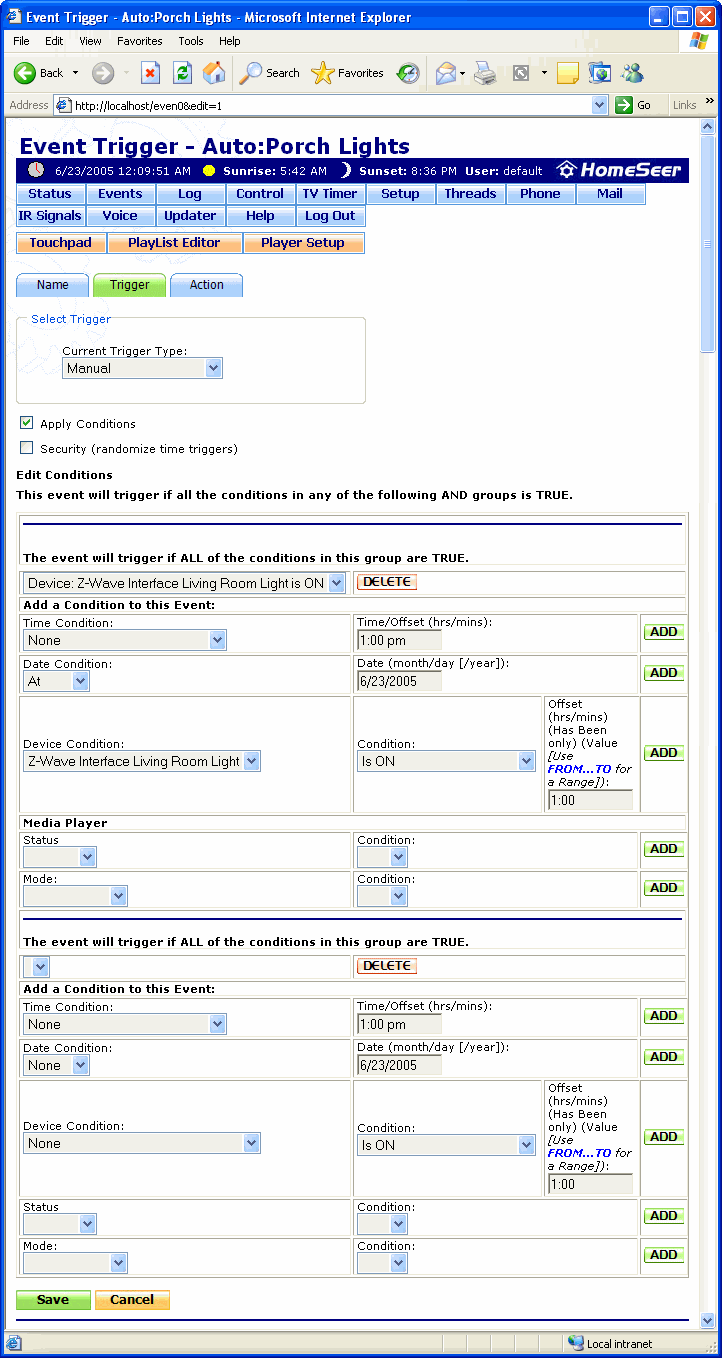
The Event Trigger Conditions screen is where additional conditions can be set for an event. For instance, if a light is set to turn on at sunset, then a condition can be added that only has the light turning on if it's currently off.
Trigger conditions can be required or optional. Required conditions are separated by "AND" in the Events screen and optional conditions are separated by "OR". There can be multiple required or optional conditions for each event. The required conditions are set in the first grouping of fields in the screen below and the optional conditions are set in the second grouping of fields (not shown).
Click the Update button at the bottom of the screen (not shown) to save the conditions set in this screen.
Click on the graphic below for more information on this screen.