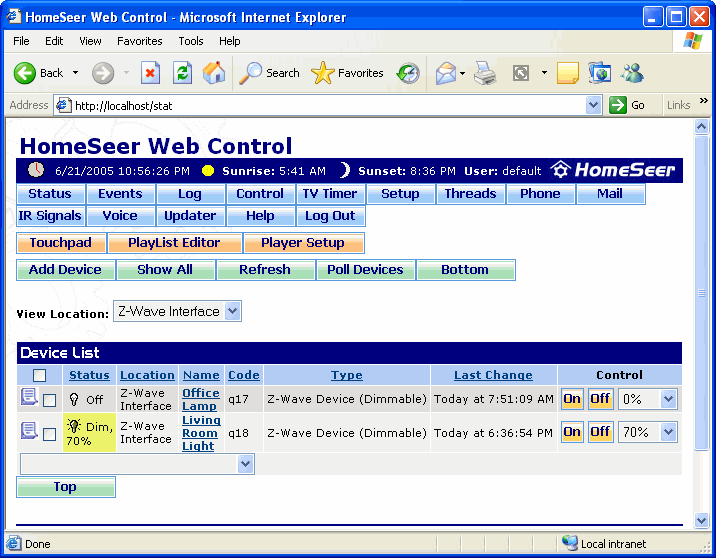
The Home screen is the first screen that appears HomeSeer is accessed using a web browser. This appearance of this screen may be different than the screen shown below if the option to display a custom page was selected in the Web Site Setup screen. From this screen you can view information about devices that have been added to the system, including the current status of the devices. Devices can also be controlled from this screen.
Until a custom page is created the Home page will be identical to the Status page.
To get to this screen, launch the web interface (if the option to display it was selected in the Web Site Setup screen).
Click on the graphic below for more information on this screen.