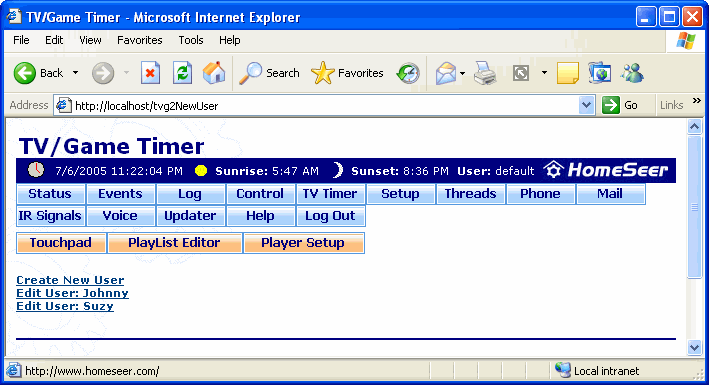
The TV/Game Timer screen is where you create and edit users whose use of a specific device may be restricted by using a timer in HomeSeer. For instance, if you'd like to limit how much time your teenage son spends watching TV in his room, create a timer that will automatically turn off his TV when he exceeds the amount of time you've specified.
For more information on using this feature, go to the How to Use the TV/Game Timer page.
To get to this screen, launch the web interface, then click the TV Timer button beneath the time and date bar (if the option to display it was selected in the Web Site Setup screen).
Click on the graphic below for more information on this screen.